
Your product looks like every AI-built app
Same layout, same cards, same gradients. At a glance, users can't tell you apart from the competition.
AI tools spit out clean, repeatable screens in minutes, and thousands of products now look the same. What still sets a website or a product apart is human taste: the judgment calls, the details, the feel. Widelab, our company's design brand, brings that to your product and works side by side with the engineers who build it.


Same layout, same cards, same gradients. At a glance, users can't tell you apart from the competition.
Missing states and unclear flows get decided in code, without a designer in the room.
You want designers and engineers talking constraints while the screen is still a sketch.
Every new feature looks a little different. You need design rules the whole team can apply, old screens and new.
Widelab designers or researchers picked for your product questions and for the engineering team they'll work with. People with taste, not a prompt.
A visual direction for your website or product: type, color, motion and the small details people remember. Something that stands out, not another template.
Designs for the agreed journeys, including the loading, empty, error and role-specific states engineers need to build them. The edge cases AI mockups skip.
Figma components kept in step with the components in Storybook, and design reviews as the screens move into working software. React projects can start from Wideset, the design system we built with Widelab.
Widelab shares its web and product design work on Dribbble. Take a look and judge the taste for yourself.
See Widelab on DribbbleWideset is the open source (Apache-2.0) React design system Widelab and our engineering team built together and published in November 2026: 53 accessible components, tokens with dark mode and rebranding through CSS variables, and a Figma library the code matches. It runs on React, Radix and Tailwind CSS v4, ships as an npm package or through the shadcn CLI, and comes with Agent Skills for Claude Code, Cursor and Codex. We use it to build production frontends and to prototype screens quickly on the same components, and you can read every line of it on GitHub.
Taste up front, engineering constraints from day one
We start with the decisions that need design input and agree how designers will work with your product lead and engineers. The visual direction gets set early, by people, and every design is checked against implementation constraints as it develops. Open questions stay visible in the delivery process, not in someone's head.

What stayed with me was the communication. Fast, clear, and always with something concrete: a proposal, an update, a solution. We never had to wonder what was happening.
Pin down the user questions, product area and design decisions the team needs help with.
Talk through research and interface needs with the people who'd join the work, and look at what they've designed before.
Set the visual direction, explore the agreed journeys and work out data, interaction and technical constraints with engineers.

Review the built screens, polish the details that make them feel right and keep the design guidance current for the next changes.
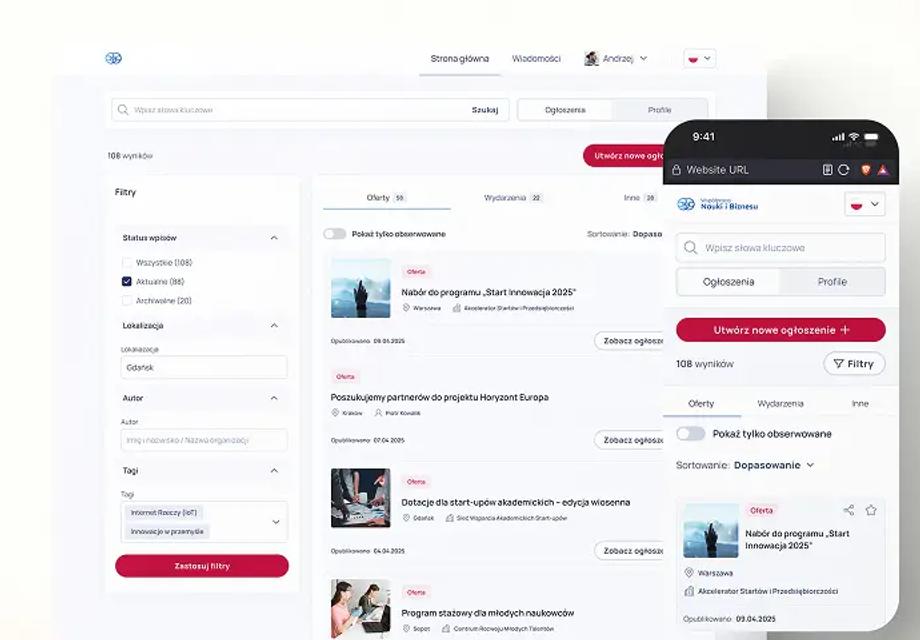
How a simple five-screen prototype tested with real users decides what the product needs before anyone writes code.
Read the articleWhy product discovery and analysis still run at human speed when coding gets faster, and why design belongs in the same squad.
Read the briefWhy the visible screens are the easy part of a product, and the states and edge cases nobody shows take the effort.
Read the briefTell us the product area, the research you already have and the engineering team the designers would work with.
 Mike KacprowiczBook a callChief Growth Officer


